





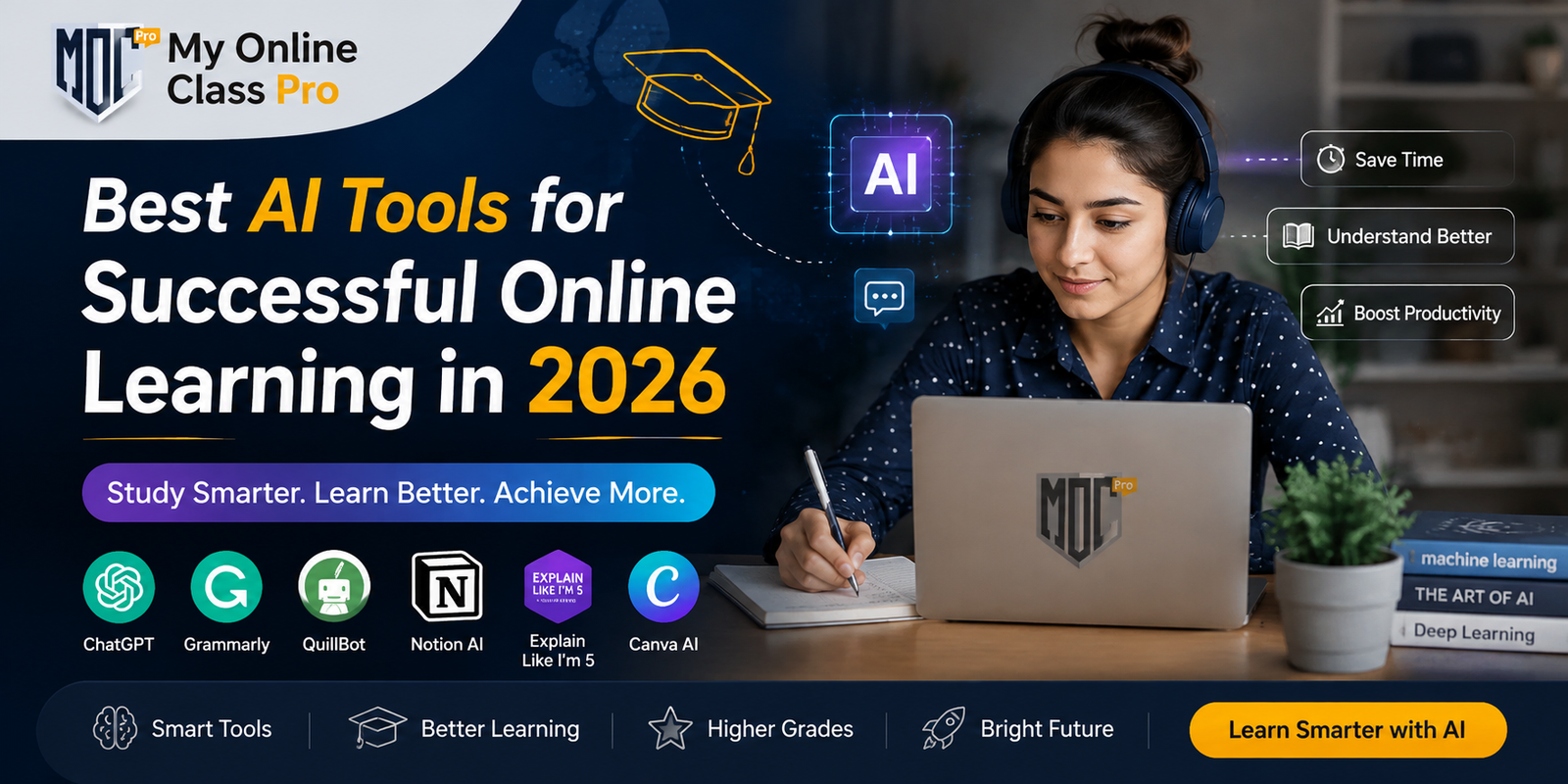

Over the past few years, online learning has come a long way. Students no longer need to rely just on textbooks, recorded lectures, and discussion boards for their courses. The education sector has embraced the era of Artificial Intelligence (AI), which aids students in grasping complex concepts, maintaining organization, boosting productivity, and attaining notable academic outcomes.
AI technologies are changing online learning and becoming virtual assistants. From developing custom and personalized study schedules to producing practice quizzes and summarizing extensive course materials, AI tools are assisting students to study more efficiently and to save much-needed time. But the thing that everyone should consider is that it shouldn’t be used to replace learning, but to complement it.
This guide delves into the best AI resources available for online learners to enhance their learning and optimize their performance.
What is the Importance of AI Tools for Online Learners
There are many challenges that online learners experience, which include:
- Delayed academic response
- Issues with complex topics
- No subject-related help in odd timings
- Limited support
- Deadline issues
- Human error in assignments and many more
These are some common challenges that students experience in online courses. Also, the academic pressure feels daunting as they are responsible for their own time, motivation, comprehension of difficult subjects, and meeting deadlines. AI tools are able to assist in resolving these issues, as they provide the following benefits:
- Instant academic support
- Personalized learning experiences
- Better time management
- Automated note-taking
- Faster research assistance
- Making progress in writing and improving grammar
- Interactive learning opportunities
With proper utilization, AI can serve as a virtual tutor, study partner, and productivity assistant rolled into one absolute solution. These tools are even effective in scenarios when academic burden overwhelms students and leaves them wondering, how can I pay someone to do my online class for me? With the help of these tools, students can regain lost productivity, improve their academic performance, and maintain a healthy work-life balance.
Top AI Tools to Consider in 2026
1. ChatGPT
In 2026, ChatGPT continues to be a top AI application for online learners. It can provide explanations on challenging concepts in simple terms, examples, answers, and questions, and can even create quizzes and study plans.
ChatGPT can serve as a valuable tool for students who are learning subjects like biology, math, computer science, economics, psychology, and history, providing a deeper understanding of complex topics.
Key Features
- Communicates ideas simply
- Develops individual schedules for studying
- Generates practice questions
- Summarizes course materials
- Provides step-by-step solutions
- Helps facilitate various subjects in school
Example: A student studying biology can prompt ChatGPT to provide a basic explanation of the process of DNA replication. A programming student can use it to understand programming concepts and troubleshoot their programming issues.
Advantages
- Available 24/7
- Fast responses
- Personalized explanations
- Appropriate for novices and intermediate students
Best For
Explanations of concepts, study support, assignment support, and individual learning.
2. Google Gemini
Google Gemini is a vital learning resource for those students who constantly use Google Docs, Drive, Gmail, and Classroom. It assists students in analyzing and summarizing information to research effectively.
It is also integrated into Google’s suite, which is particularly helpful for students completing group work and schoolwork
Key Features
- Research assistance
- Document summarization
- Real-time information access
- Google Workspace support
- Multilingual support
Example: If students are creating research papers, they can use Gemini to summarise articles to find important points before reading full articles.
Advantages
- Strong research capabilities
- Easy integration with Google tools
- User-friendly interface
Best For
Research, document analysis, and Google Workspace integration.
3. NotebookLM
NotebookLM is tailored for students desiring to learn from their own content. They can upload PDFs, lecture notes, research papers, and books and then start asking questions about the content they uploaded.
Responses from NotebookLM differ from other AI searches as it analyzes the uploaded content and then searches for information on the web to deliver the most accurate answer.
Key Features
- Upload study materials
- Create study guides
- Generate summaries
- Answer questions with the information uploaded as documents
- Organize learning resources
Example: Students can post a full semester’s worth of lecture notes and access complete tudy maps prior to exams.
Advantages
- Course-specific learning
- Better organization
- Improved exam preparation
Best For
Organization of study material and personal learning.
4. Perplexity AI
Perplexity AI is a search engine with AI capabilities for conversation. It offers answers to queries and mentions source citations, which make it extremely useful for academic research.
Students can efficiently find information while ensuring the information is valid and credible.
Key Features
- Source-backed answers
- Research assistance
- Citation support
- Quick summaries
- Follow-up questioning
Example: Students writing essays can find relevant academic sources and background information more efficiently.
Advantages
- Reliable information
- Faster research process
- Easy source verification
Best For
Academic studies and learning using facts.
5. Grammarly
Good writing without any flaws is important in the online learning environment. Grammarly assists students in enhancing grammar, spelling, sentence structure, clarity, and readability.
It is a smart writing assistant that gives real-time feedback during students’ writing of assignments, discussion posts, and research papers.
Key Features
- Grammar correction
- Spelling checks
- Tone analysis
- Readability improvement
- Vocabulary suggestions
It allows students to consider their work before submitting it and filter out grammatical errors that could impact grades.
Advantages
- Improves writing quality
- Saves editing time
- Enhances professional communication
Best For
Writing and communication for academic purposes.
6. QuillBot
QuillBot simplifies and rephrases complicated classroom material. It’s especially helpful when students need to comprehend challenging readings or clarify their writing.
The tool offers multiple paraphrasing modes that cater to different writing styles and academic needs.
Key Features
- Paraphrasing tools
- Text summarization
- Grammar checking
- Citation generation
- Vocabulary enhancement
In complex research papers, students can break down difficult paragraphs to make them clearer.
Advantages
- Enhances comprehension
- Improves writing clarity
- Completes tasks more quickly in the revision process
Best For
Restating and rewording the material.
7. Canva AI
Many students are visual learners and prefer to learn from pictures rather than words. Canva AI assists students in generating presentations, infographics, mind maps, diagrams, and learning materials in no time.
Visual learning can help to enhance memory retention and comprehend complex information.
Key Features
- AI-powered presentations
- Infographic generation
- Educational templates
- Mind map creation
- Graphic design assistance
Students can make and display attractive project presentations and study materials for exams, etc.
Advantages
- Supports visual learning
- Easy to use
- Professional-quality designs
Best For
Visual learning and presentation creation.
8. Otter.ai
Making notes while in live classes can be difficult. By automatically recording and transcribing lectures, Otter.ai frees up time for students to concentrate on comprehending the content. The software even produces searchable transcripts for easier revisions.
Key Features
- Live transcription
- Automated note-taking
- Lecture recording
- Searchable transcripts
- Meeting summaries
Students who take live Zoom classes will have access to the transcript of the course’s lectures when required.
Advantages
- Improved concentration in lessons
- Accurate note-taking
- Improved revision process
Best For
Taking notes and transcribing lectures.
9. Khanmigo
Khanmigo is an AI learning assistant designed not just to give students answers but to assist them with learning. It guides students to think critically by taking them through problems.
This will enable students to learn more and develop better problem-solving skills.
Key Features
- Guided learning
- Interactive tutoring
- Practice exercises
- Personalized feedback
- Curriculum-aligned support
Students who are weak in mathematics or science subjects often think, how can I pay someone to take my math class or science class? But this AI tool can help students overcome such thoughts and can provide assistance in solving problems.
Advantages
- Encourages independent thinking
- Improves learning retention
- Supports skill development
Best For
Teaching and problem solving.
10. GitHub Copilot
GitHub Copilot is one of the most useful AI tools for students enrolled in distance computer science courses. It assists in writing code, understanding programming concepts, and identifying errors in coding.
Key Features
- Code suggestions
- Error detection
- Programming guidance
- Multi-language support
- Development assistance
Students can get live coding assistance during classes for Python, Java, JavaScript, or C++ assignments. So whenever you are overwhelmed and thinking, can someone take my computer science class? Try these AI tools with external support for maximum results.
Advantages
- Faster coding
- Better programming understanding
- Increased productivity
Best For
Programming and coding education.
How to Select the Proper AI Tool
There are various functions for different types of AI tools. Students should use tools that are appropriate to their study needs.
| Learning Need | Recommended Tool |
| Concept Learning | ChatGPT |
| Research | Perplexity AI |
| Study Materials | NotebookLM |
| Writing Improvement | Grammarly |
| Content Rewriting | QuillBot |
| Presentations | Canva AI |
| Lecture Notes | Otter.ai |
| Tutoring | Khanmigo |
| Coding | GitHub Copilot |
| Google Workspace | Gemini |
How to Set Up a Study Plan Using AI
Students can use AI to optimize their study time and maximize learning by introducing it into their daily study sessions.
Before Class
- Use ChatGPT to preview topics.
- Review key concepts.
During Class
- Take notes with Otter.ai.
- Practice listening and comprehending lectures.
After Class
- Create notes with NotebookLM.
- Use ChatGPT to clear up any confusion.
During Research
- Adopt Perplexity AI and Google Gemini.
- Verify sources carefully.
While Writing
- Revise assignments using Grammarly.
- Clear up things with QuillBot.
During Revision
- Create quizzes using ChatGPT.
- Create visual summaries using Canva AI.
This systematic process helps students stay organized and enhances learning efficiency.
Conclusion
In 2026, AI is an integral component of online education. AI tools support learners by aiding in their comprehension of complex ideas, assisting with research, enhancing writing abilities, and organizing study materials, thereby improving their learning effectiveness and efficiency. Each of these AI tools has different strengths, catering to different facets of the learning journey, including ChatGPT, Google Gemini, NotebookLM, Perplexity AI, Grammarly, QuillBot, Canva AI, Otter.ai, Khanmigo, and GitHub Copilot.
To be successful in the classroom, though, it’s still important to do things actively, think, and work independently. With proper usage, AI can become an incredible learning partner, improving comprehension, increasing productivity, and helping online learners improve academic performance.
FAQs
What is the future of AI in online education?
In the rapidly evolving landscape of educational technology, students who learn to use AI responsibly will undoubtedly have a competitive edge in both their academic and professional careers.
Is it ethical to use AI tools for academic writing?
Yes, using AI tools is a completely ethical way to support learning; just remember it should be used within the given flexibility of your university; otherwise, you may lose your grades